
General settings
Open Settings → General settings to configure the desktop application.
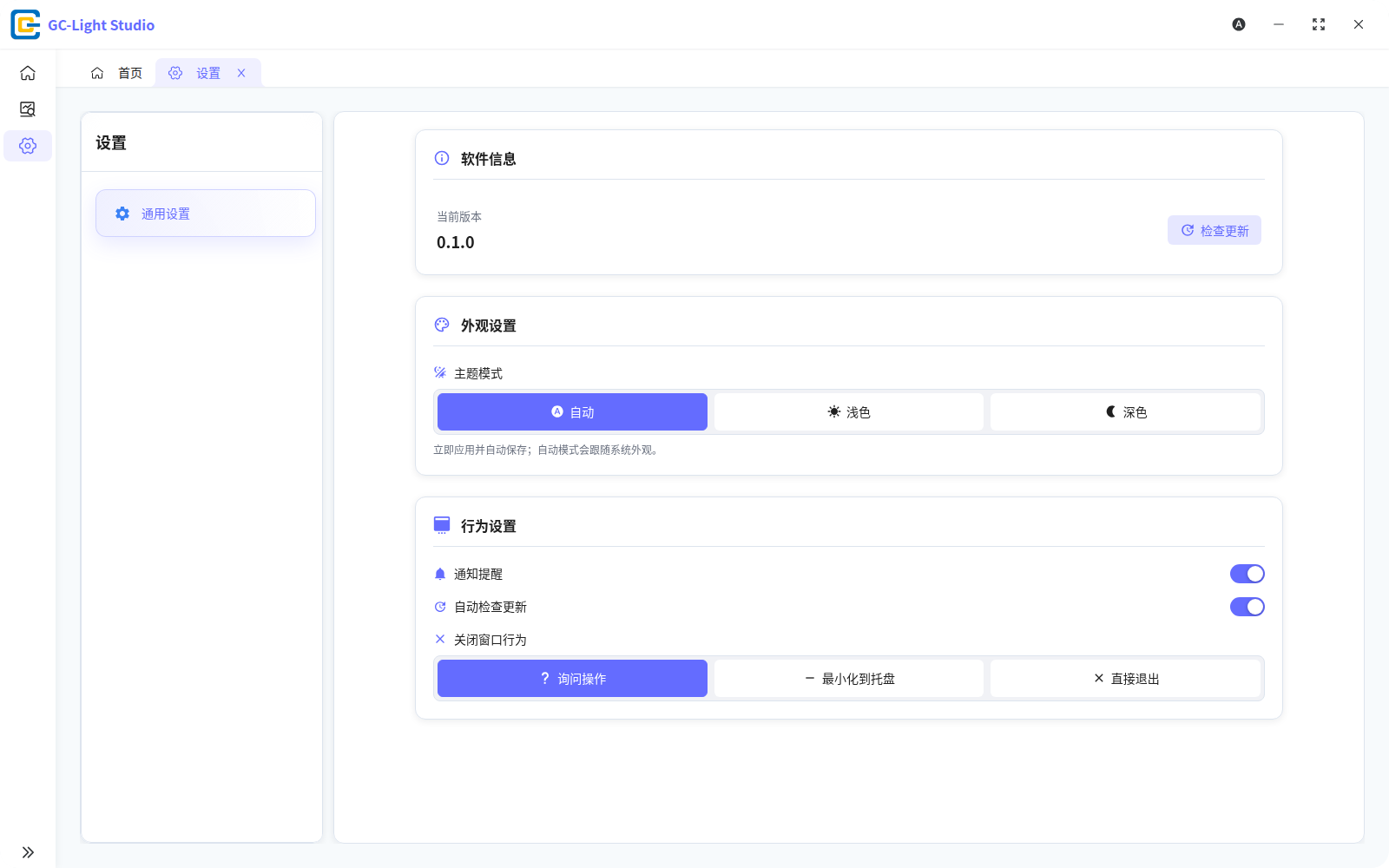
- Current version / Check for updates reports the installed version and checks manually.
- Theme mode offers automatic, light, and dark modes. Automatic follows the system appearance.
- Notifications controls application notifications.
- Check for updates automatically controls the startup check.
- Close-window behavior can ask every time, minimize to the tray, or exit directly.
Windows environment diagnostics
The Windows build also exposes environment diagnostics. If the app window does not render correctly and Settings remains accessible, run that check and follow the on-screen remediation.
The diagnostics cover only the runtime conditions listed in the interface. For serial permission, busy-port, or device-connection problems, open Troubleshooting from the documentation menu.